RESCUE ID Logo
Emergency information for first responders

Helping responders when every second counts

RESCUE ID provides immediate access to critical emergency information through a secure QR scan, helping responders make faster, more informed decisions when every second matters.
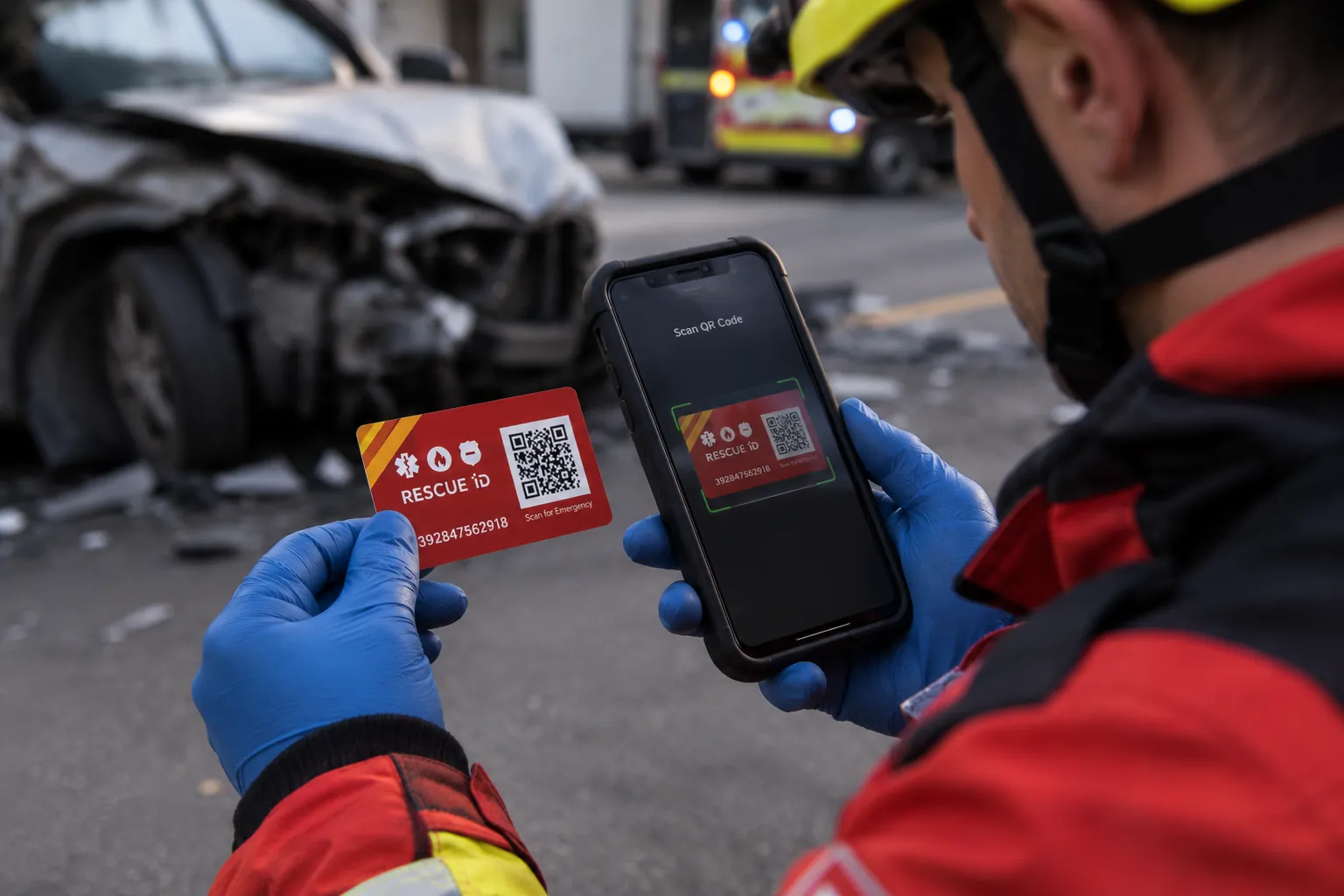
A responder scanning a RESCUE ID card with a phone at a crash scene
  • Profile opens in seconds
  • Text alert to designated contacts
  • Wiped from the device after 2 hours
Responder Overview (PDF)
The Challenge

Critical information should never be out of reach

The first minutes of an emergency are critical, for responders and for the people they’re trying to help. Every day, responders make life-or-death decisions with limited information. Having key details on hand, and a direct line to the right contacts, can make all the difference.

Because seconds matter, a RESCUE ID QR code delivers essential medical information and connects you to who you need, instantly.

  • Easy to recognize

    Same emergency pattern on every ID, so it can be confidently identified.

  • Instant access

    The Emergency Profile loads fast from any scan. No apps, PINs, or passwords.

  • Alerts contacts

    When an ID is scanned, a text is sent to designated contacts.

  • Access controlled

    Only accessible via the QR code, and wiped from the device after 2 hours.

Emergency Information

What you’ll find on every profile

Every RESCUE ID Emergency Profile works like a digital emergency information card, structured to give responders the most relevant information at a glance, in a consistent, easy-to-scan layout.

  • Personal information

    Key details including legal name, preferred name and date of birth.

    ExampleMorgan Cary, 03/14/1992, 5′ 11″, 178 lbs
  • Medical information

    Diagnosed conditions, chronic illnesses, current medications and known allergies that responders should be aware of.

    ExampleNo allergies or medications
  • Emergency contacts

    Primary and secondary contacts and their relationship to the account holder, reachable in one tap.

    ExampleCindy, Spouse/Partner, Push to Call
  • Care & support

    Special needs, mobility or communication considerations, and instructions that help responders adjust to the scene.

    ExampleHard of hearing, uses a wheelchair, autistic
  • Legal documents

    Do Not Resuscitate (DNR) orders, advance directives and POA are flagged so they’re seen right away.

    ExamplePOA on file, DNR pdf - click to download

For law enforcement: every scan is logged

Each scan is logged with the time, approximate location and device details. The log can support investigations and help locate missing or unidentified people. Contact our support team with a valid case reference.

Contact support
What you see when you scan

One scan. Everything you need to help.

This is a sample profile for Morgan. When you scan his ID, you see his key details and can call his contacts in one tap. At the same time, his wife Cindy gets a text.

  • Special Needs & DNR flags

    Important flags stand out on the profile, so responders notice them right away.

  • Medical information

    Conditions, medications, allergies and documents are easy to find.
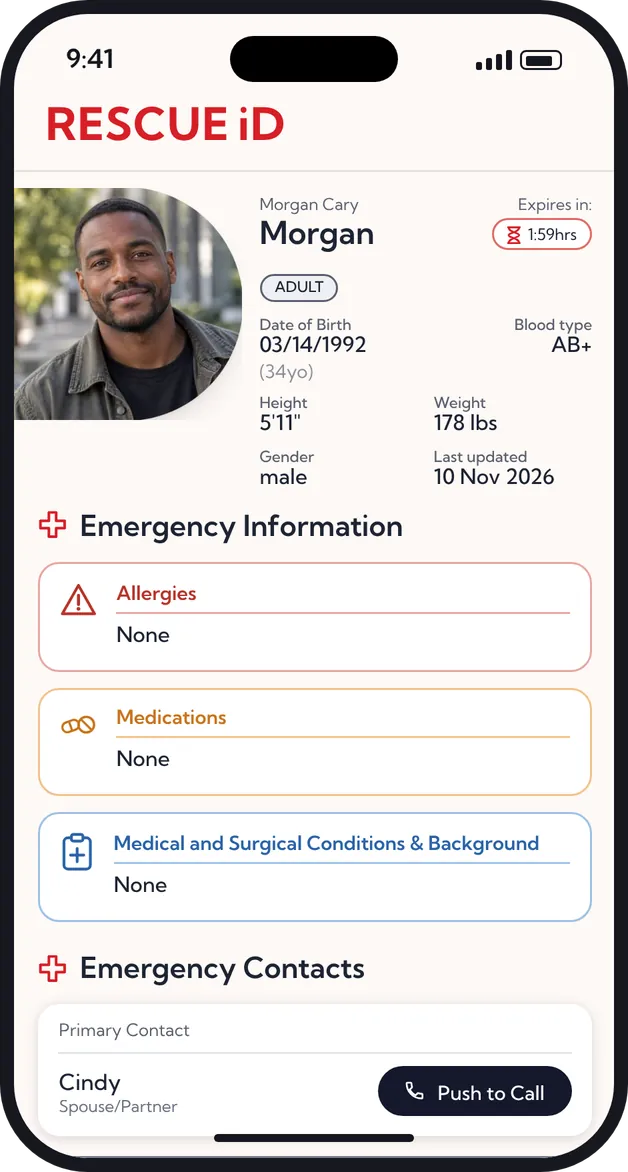
Morgan's sample RESCUE ID profile as a responder sees it after a scan
Responder’s view
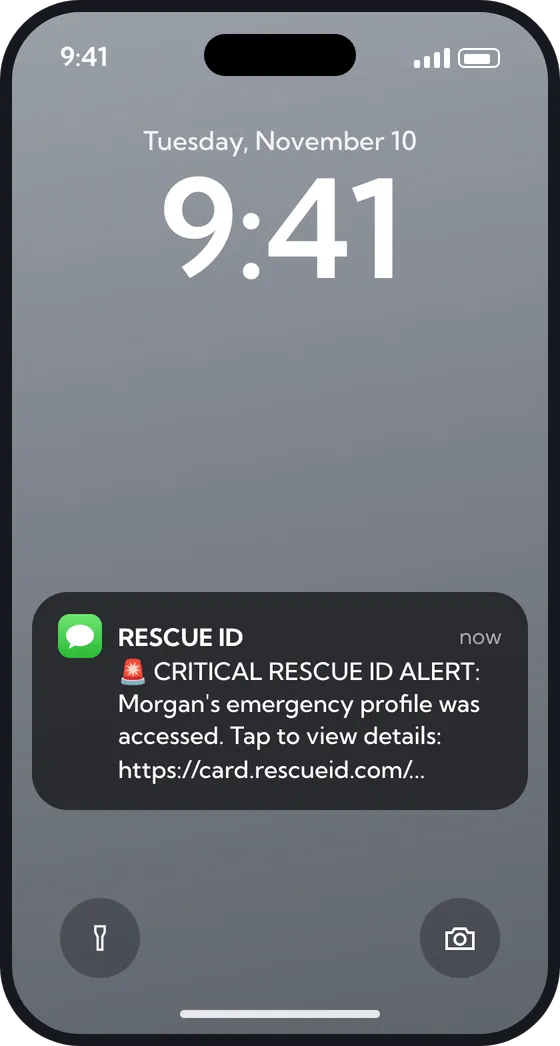
Cindy's phone lock screen showing the RESCUE ID alert that Morgan's profile was opened
Cindy’s phone
  • Text alert to designated contacts

    Cindy gets a text the moment Morgan’s ID is scanned.

  • Every scan is logged

    Each scan is timestamped and logged.

Privacy & Trust

Information you can trust

RESCUE ID makes profile updates as easy as possible, so the information you see is as current as possible.

“I just looked at one of the training profiles and I said out loud, ‘this is SO COOL!’ I wish every single person we have contact had one of these and maybe someday it will be the norm…”

Emergency responder

How profiles stay accurate and private

  • Maintained by account holders

    Profiles are created and updated by the individual or their authorized organization administrator.

  • Updated in real time

    New medications, conditions or contacts appear the moment they’re saved.

  • Access-controlled by design

    Only people with the QR code or unique profile link can view a profile. There is no public search or directory.

Read our privacy practices
How it works

Three steps. Under thirty seconds.

  1. 01

    Scan the QR code

    Recognize RESCUE ID by its distinctive design and scan the QR code with a phone or tablet camera. The profile opens in the browser.

  2. 02

    Access critical information

    The Emergency Profile loads immediately, with the information you need for decisions and a way to reach emergency contacts.

  3. 03

    Respond with confidence

    With critical information at hand, you can make faster, better-informed decisions and reach contacts with less delay.

Order Free Training Materials
Built for responders

Designed for emergency response

RESCUE ID was built with one goal: give first responders the information they need without adding to their workload. No new systems, no new protocols. Just instant, organized access to information that matters.

  • Faster identification

    Identify a person when they can’t communicate, even when ID documents are missing.

  • Better context

    Medical history, conditions and medications that directly affect treatment decisions, right away.

  • Family notification

    Designated contacts get a text the moment the ID is scanned.

Emergency workflow

How RESCUE ID fits into a real emergency

From the moment of an emergency to ongoing care, RESCUE ID fits into the existing response workflow, adding information without adding steps.

  1. 01Emergency occurs
  2. 02Responder finds RESCUE ID
  3. 03QR code scanned
  4. 04Profile opens
  5. 05Information reviewed
  6. 06Contacts notified
  7. 07Care continues
Supported Products

Recognize RESCUE ID Anywhere

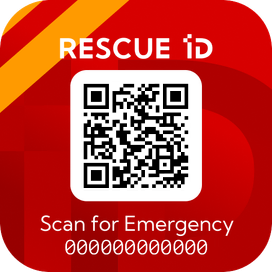
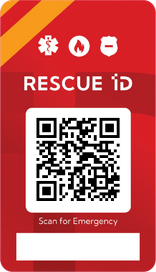
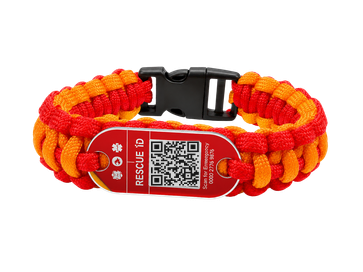
RESCUE ID has four QR code IDs to cover any lifestyle. Several can be paired to a single person, giving the best coverage. The entire line of RESCUE IDs has the distinctive emergency services pattern for easy identification by responders.
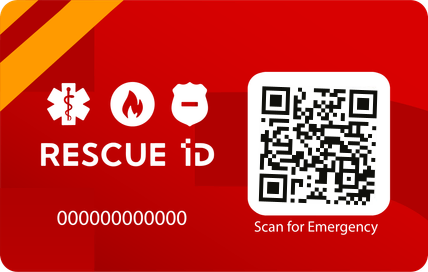
Everyday useRESCUE ID wallet card with a QR code
RESCUE ID CardWallet, cellphone sleeve, passport holder, diaper bag, backpack
Everyday useRESCUE ID QR code sticker
StickersBike, motorcycle & ski helmets, car seats, hard hats
Everyday useRESCUE ID magnet with a QR code
MagnetsOn the fridge door when the sitter is home, or when loved ones are living at a distance.
Everyday useRESCUE ID paracord bracelet with a QR code tag
Paracord BraceletLarge crowds, vacation, camping, lake days, high-risk jobs
On the goRESCUE ID luggage tag on a metal loop
Luggage TagsHolds your ID card on a backpack or family go bag. Face the QR code toward the red backing
Extra visibilityRESCUE ID reflective sticker showing the rescueid.com address
Reflective StickersAlerts responders to RESCUE ID at a home or business, and helps rep the company

Same Profile, Every ID. Regardless of which RESCUE ID is on scene, scanning will always open the same emergency profile linked to the individual.

Common questions from responders

No. Point an internet-connected phone or tablet camera at the QR code and the Emergency Profile opens in your browser, with no download, registration or login.

Look for the distinctive RESCUE ID design with a QR code. It can be a Card ID in a wallet, a Bracelet ID, a Sticker ID on a helmet or car seat, a Magnet ID on the fridge, a Luggage Tag on a bag, or a Reflective Sticker at a home or business.

Any emergency. It was designed by an array of responders. The person could show you the ID, or you'll find it through your normal workflow on scene. RESCUE ID helps responders identify the person, see medical information and reach their contacts.

Anywhere you have a smartphone or tablet with a camera and internet access. The Emergency Profile opens in the browser.

The profile can only be opened with the QR code or the unique profile link, and there is no public search. Every scan is logged to provide evidence. Designated contacts get a text when the ID is scanned and the profile is removed from the device after 2 hours.

It works in a similar way, but a RESCUE ID opens a full Emergency Profile that the account holder keeps up to date. Designated contacts get a text when it’s scanned, every scan is logged, and the profile is removed from the device after 2 hours.

Yes. RESCUE ID extends the usual Vial of Life or File of Life. Switch the Vial of Life to be a RESCUE ID magnet. Because the profile is updated online the information goes wherever the person goes on every ID they have. When scanned from a RESCUE ID, it's easily sharable.

Personal information, medical information such as conditions, medications and allergies, emergency contacts, care and support notes, and legal documents such as DNR orders, advance directives and POA, which are flagged for immediate visibility.

Not yet seamlessly. RESCUE ID is designed to have instant access for responders, regardless of agency-specific tech. No one should be slowed down in an emergency. Take a screenshot and if your system is capable, ask AI to analyze and import. It's been successfully tested on a couple of systems.

Reach out through info@rescueid.com. If it is a life threat, please call 913.999.9993.

Free training materials and support

Have questions about RESCUE ID? Contact us, or order materials for your team.

RESCUE ID Logo
Contact support

Already have an account?

Be Safe - Log In